MIDI runs the Tesla coil world
If you've spent any time in the musical Tesla coil community, you've seen MIDI everywhere. Forum posts about converting MIDI files. Arduino sketches that parse MIDI messages. YouTube videos of coils playing the Imperial March from a MIDI sequence.
There's a reason for that. MIDI is the simplest way to describe music as a series of events — note on, note off, pitch, velocity. That maps perfectly to what an interrupter needs: when to fire, at what frequency, and for how long.
What MIDI actually is
MIDI (Musical Instrument Digital Interface) isn't audio. It's a set of instructions. A MIDI file doesn't contain sound — it contains events like "play middle C at velocity 80" and "stop middle C after 500 milliseconds."
For Tesla coils, this is ideal. The coil doesn't need audio data. It needs:
- When to start firing (note on)
- How fast to fire (note frequency = pitch)
- When to stop (note off)
A MIDI note-on message gives you all three. The note number maps to a frequency (MIDI note 69 = 440 Hz = concert A). The velocity can map to on-time or duty cycle. Note-off tells the interrupter to stop.
The traditional MIDI Tesla coil setup
The classic workflow looks like this:
- Find or create a MIDI file of the song you want
- Open it in a MIDI editor, strip it down to one channel (most coils are monophonic)
- Load it onto a microcontroller (Arduino, STM32, Teensy)
- The microcontroller reads MIDI events and generates interrupter pulses
- Those pulses go to the coil via fibre optic
This works, and a lot of impressive performances use exactly this setup. But it has friction:
- You need to find good MIDI files (harder than it sounds — most free MIDIs are badly transcribed)
- You need to pick the right channel and strip out everything else
- You need hardware and firmware
- Previewing changes means re-uploading to the controller
Single voice is the constraint
Most musical Tesla coils can only play one note at a time. The arc is either firing at one frequency or it's not. Some advanced setups can do polyphony (multiple simultaneous notes) by interleaving pulses, but it's tricky and the sound quality drops.
This means your MIDI file needs to be monophonic — one note at a time. If the original song has chords, you need to pick the melody line. If two notes overlap, you get either a frequency jump or garbled sound.
The best MIDI files for Tesla coils are ones where the melody is already on a single channel and doesn't rely on harmony to sound good. Video game music from the 8-bit era is perfect for this because it was written for hardware with similar constraints.
Web-based MIDI: the modern approach
Modern web browsers support the Web MIDI API, which means a web app can send and receive MIDI messages directly. No drivers, no middleware. Plug in a USB MIDI device and the browser sees it.
But you can go further. Instead of sending MIDI to a hardware interrupter, a web app can convert MIDI events directly to audio signals that drive the coil. That's what Tesla Coil Audio Driver does:
- The sequencer lets you create MIDI-like patterns on a grid — place notes, set tempo, loop
- The keyboard sends note-on/off in real time as you tap
- The sound library plays pre-sequenced songs that have been optimised for single-voice playback
The output is an audio signal that encodes the interrupter timing. Play it through a speaker and you hear the synth version. Route it to a coil and you get lightning music.
Building sequences from scratch
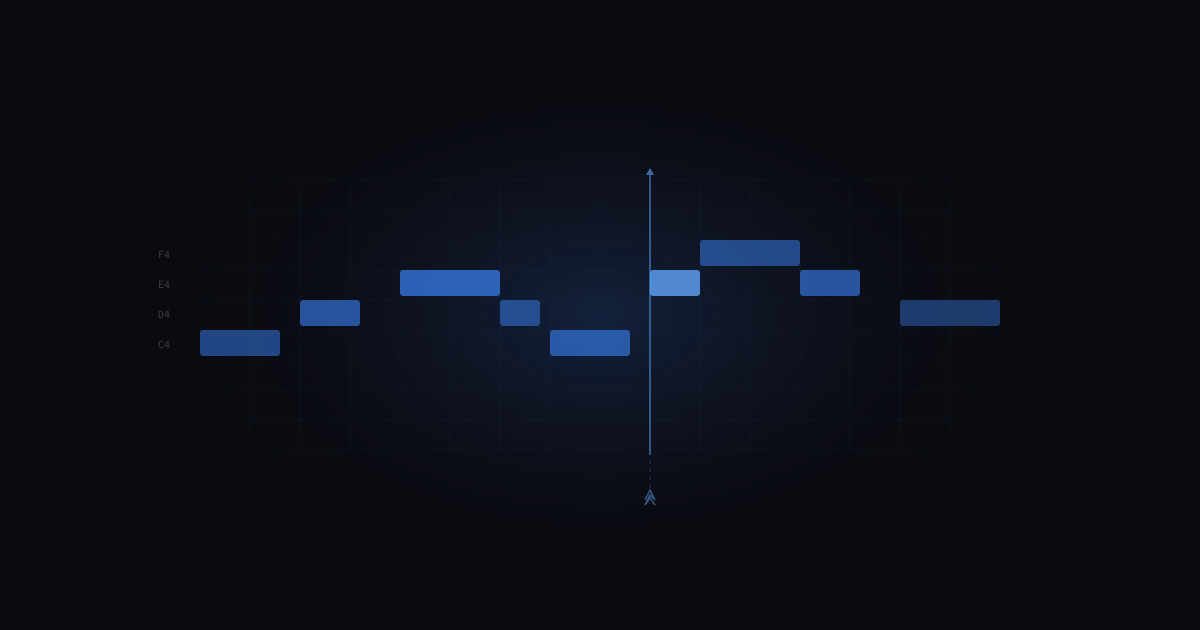
If you want to create your own Tesla coil music rather than playing existing files, a step sequencer is the most intuitive tool. You see a grid: time on one axis, pitch on the other. Click to place notes.
The sequencer in Tesla Coil Audio Driver works this way. You build patterns step by step, hear them immediately through your speaker, and when you're happy, play them through the coil. No MIDI file conversion, no firmware uploads, no switching between tools.
For more complex compositions, you can still use a traditional DAW (Ableton, FL Studio, GarageBand) to create MIDI, then play the audio output through the coil. The app's audio output is the interrupter signal, so anything that generates the right tones works.
Tips for good MIDI-to-Tesla-coil results
Pick the right melody line. If a MIDI file has 16 tracks, only one or two will sound good solo. Usually it's the lead melody. Listen to each track individually before committing.
Watch the tempo. Very fast passages (16th notes at 180 BPM) turn to mush on a coil. The arc needs time to form and dissipate. Slow it down if it sounds messy.
Avoid very low notes. Below about MIDI note 36 (C2), the coil starts producing more buzz than tone. The sweet spot for most coils is between C3 and C6.
Rests matter. Continuous firing with no gaps sounds flat and monotone. Leave space between phrases. The silence makes the notes hit harder.
Test with headphones first. If it sounds bad through speakers, it'll sound bad through lightning. Get it right in audio before connecting the coil.
Where MIDI is going for Tesla coils
The trend is toward more accessible, browser-based tools that handle the MIDI-to-signal conversion without requiring hardware knowledge. The goal is simple: you shouldn't need to understand interrupter timing to play a song on a Tesla coil. Pick a song, hit play, done.
The Tesla Coil Audio Driver sequencer is one step in that direction. Future upgrades will add multi-track editing, MIDI file import, and more granular control for people who want it — while keeping the simple path simple.