You don't need special software anymore
Back in the early days of musical Tesla coils, controlling one meant writing custom firmware, flashing microcontrollers, and usually some variant of C that hadn't been updated since 2014. If you wanted to play a song, you'd convert a MIDI file using a command-line tool that somebody posted on a forum eight years ago, then load it onto an SD card.
It worked. Barely. And it was incredibly unfriendly to anyone who wasn't already deep into the hobby.
What tesla coil software actually does
At its core, tesla coil software controls the interrupter — the thing that tells the coil when to fire. Each firing creates an arc, and arcs create pressure waves. Control the firing rate and you control the pitch. Control the on-time and you control the volume.
So the software's job is to send precisely timed signals to the coil. The faster the signals, the higher the note. A steady 440 signals per second gives you concert A. 880 gives you the A above that.
The challenge is getting those signals tight enough that it sounds like music and not static. Timing jitter of even a few microseconds makes the tone sound rough.
The old approach vs the new one
Traditional setups use a dedicated microcontroller (usually an Arduino or STM32) running firmware that reads MIDI data and converts it to interrupter signals. The signal goes out as a fibre optic pulse to keep the control electronics safely isolated from the high-voltage side.
That still works and it's still the most common approach. But it means you need:
- A microcontroller
- Firmware (often poorly documented)
- A way to get MIDI data onto it
- Some way to preview what you're doing without frying anything
The web-based approach skips a lot of that. Tesla Coil Audio Driver runs in your browser and generates audio signals that carry the timing information. You connect to the coil via a 3.5mm audio cable or Bluetooth, and the app handles everything — note generation, timing, UI.
What you can do with it
A good tesla coil app gives you more than just "play a file." Here's what the Tesla Coil Audio Driver includes:
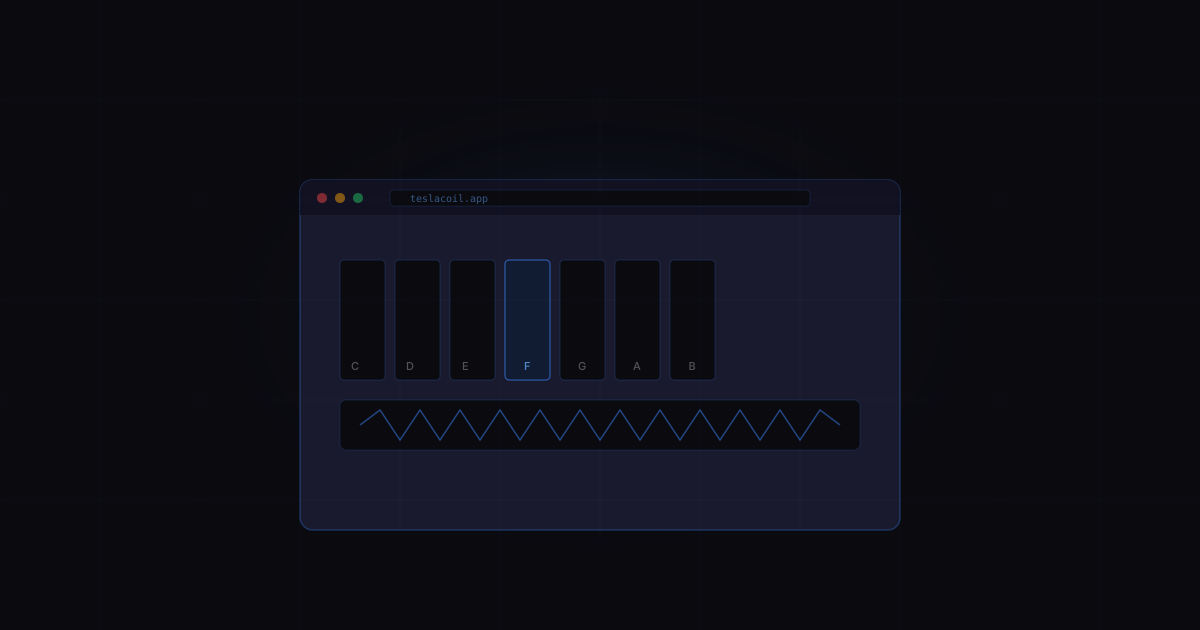
Keyboard — Play notes live by tapping keys on screen. Useful for testing if your coil is responding, working out melodies, or just having fun. You pick the waveform and octave.
Sound Library — Pre-loaded songs and sound effects that work well on Tesla coils. These have been tested and tuned for single-voice playback. Hit play and the coil plays the song.
Sequencer — Build melodies step by step on a grid. Think of it like a simple drum machine but for lightning. You place notes, set the tempo, and loop it.
Theremin — Slide your finger to control pitch continuously. This is where things get weird and fun. The coil tracks your finger in real time.
Spark Controller — Direct touch control of the spark with live pitch manipulation. The most hands-on way to interact.
Do you need a real coil?
No. The app works as a standalone synthesiser — you hear the sounds through your phone or computer speaker. The coil just makes it cooler. If you don't own one, you can still play everything and hear what it would sound like.
The audio output is the signal. What you hear through your speaker is essentially the same signal that would drive a coil. So if it sounds right in your headphones, it'll sound right through lightning.
What to look for in tesla coil software
If you're evaluating options, here's what matters:
- Latency — Can you play in real time without noticeable delay? Anything over 20ms feels laggy.
- Waveform options — Square waves are the classic Tesla coil sound, but triangle and sawtooth give you different timbres.
- No install required — Browser-based means no drivers, no dependencies, works on any device.
- Works offline — A PWA that works without internet is huge for workshop use where WiFi might not exist.
- Safe defaults — The software should limit on-time and duty cycle so you can't accidentally cook your coil.
Getting started
If you want to try it now: open teslacoil.app on your phone or laptop, tap the keyboard, and play some notes. That's it. No account required, no download, no setup.
If you have a coil, plug in a 3.5mm cable from your device's headphone jack to the coil's audio input. Turn the volume up to about 80%. Play a note on the keyboard and see if the coil responds. If it does, you're in business.